


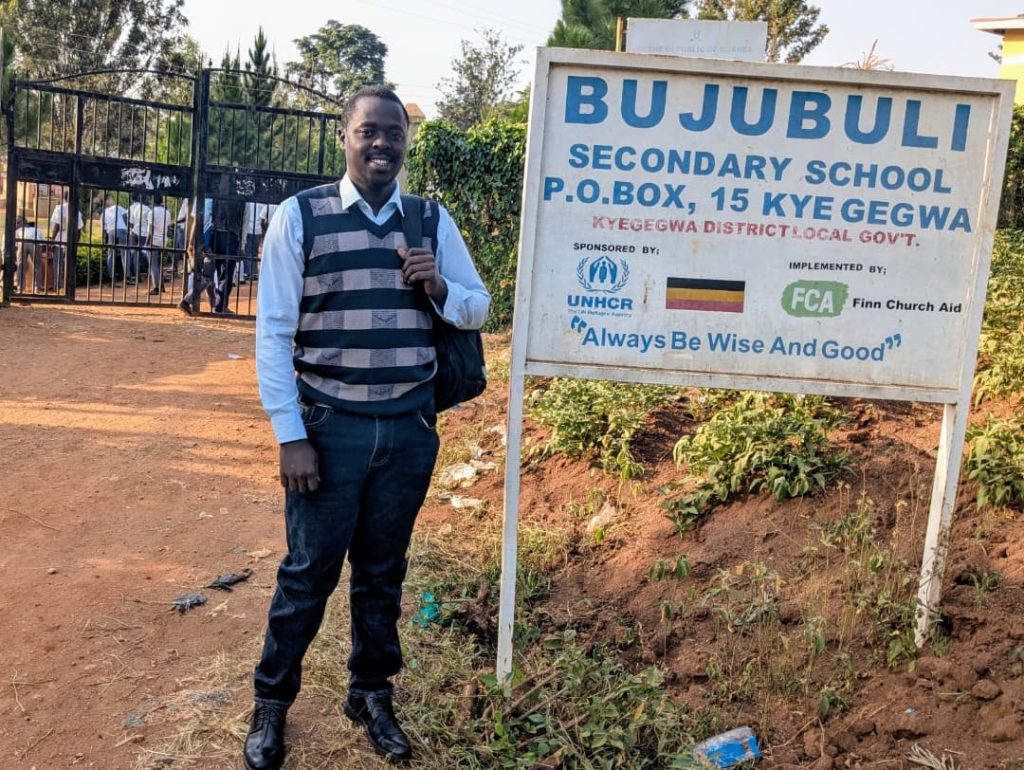
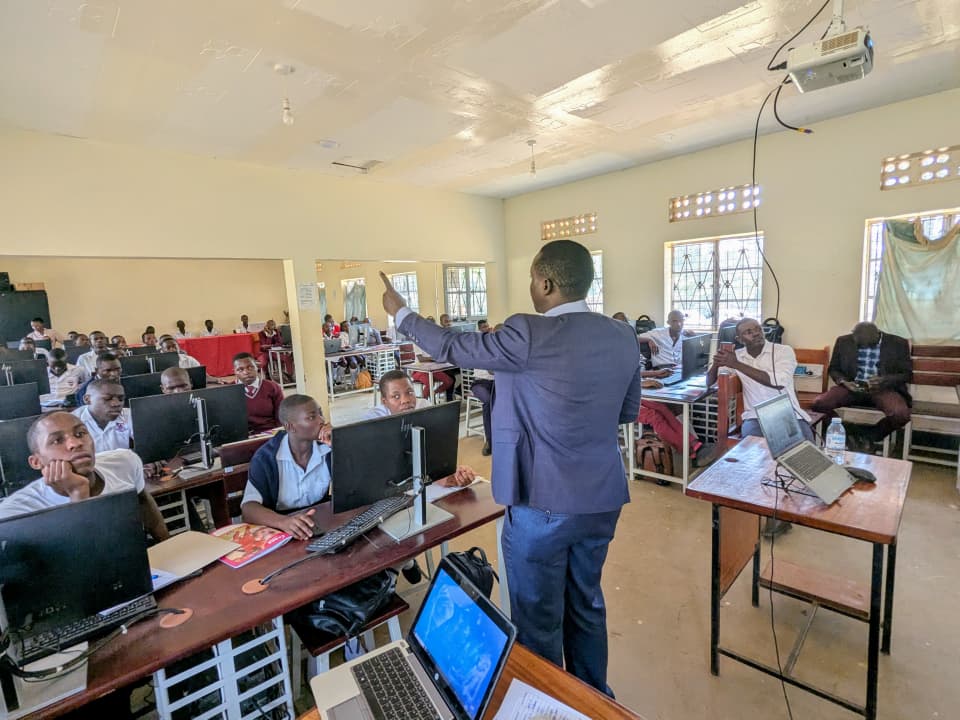
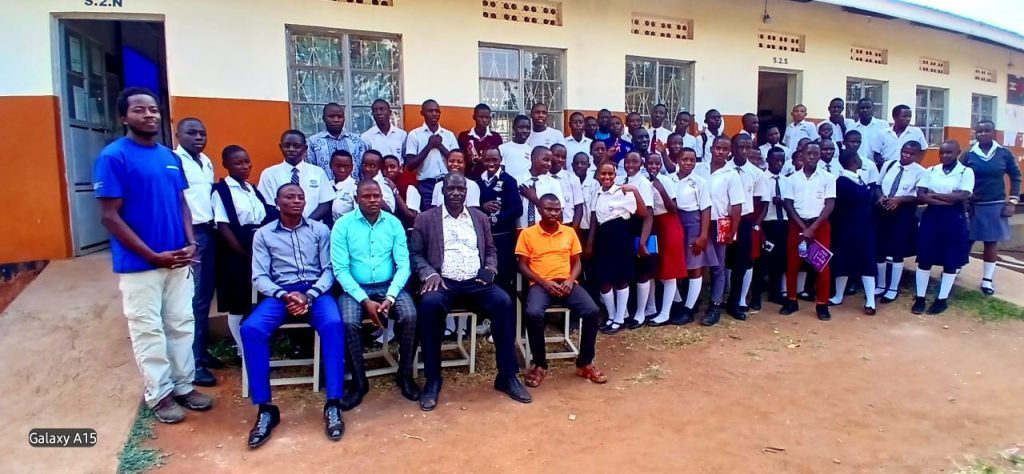
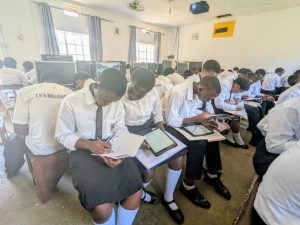
From Monday 06th to Friday 10th July 2026, I had the privilege of supporting the implementation of the UNICEF Digital Innovation Bootcamp at Bujubuli Secondary School in Kyegegwa District. The five-day bootcamp brought together 10 Digital Champions from five selected secondary schools: Bujubuli Secondary School, Humura Secondary School, Kakabara Secondary School, Kasule Secondary School, and Mpara Secondary School.
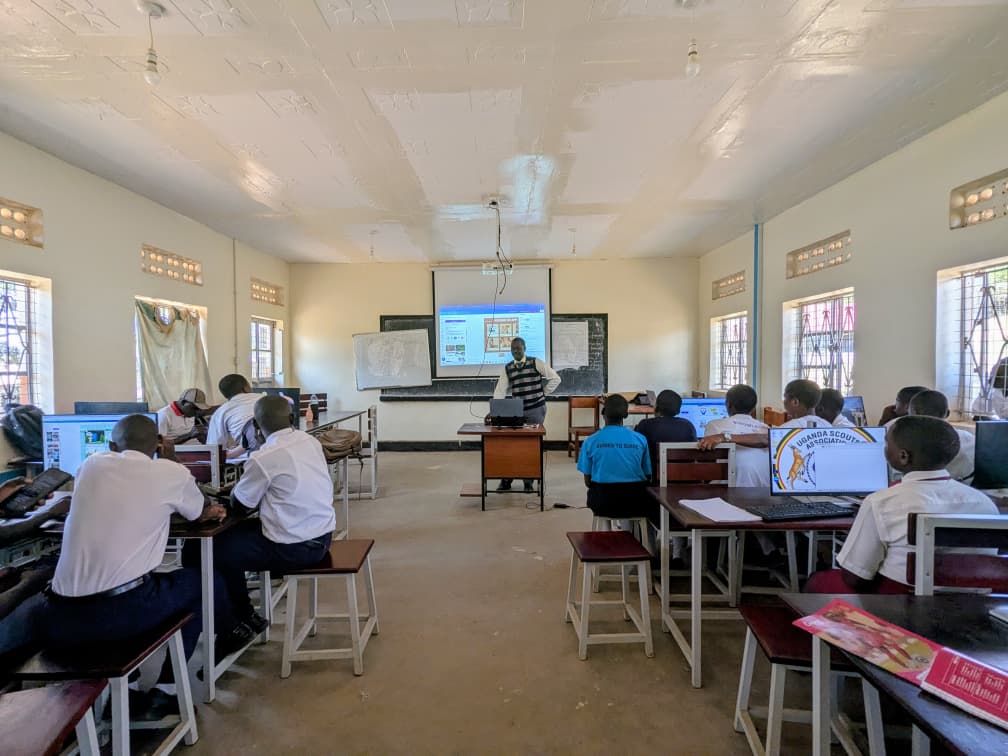
These learners had previously completed digital skills training in their respective schools and were now ready to take the next step: applying those skills to identify, understand, and solve real problems affecting their communities.
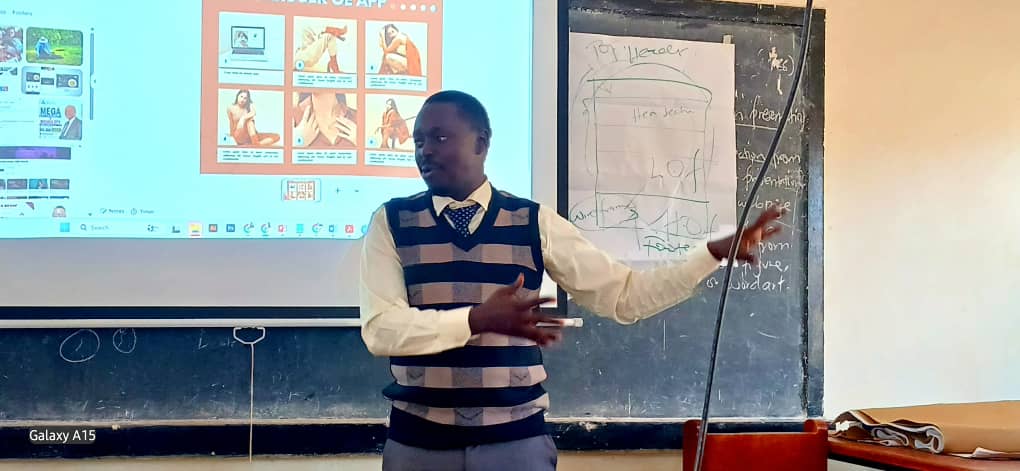
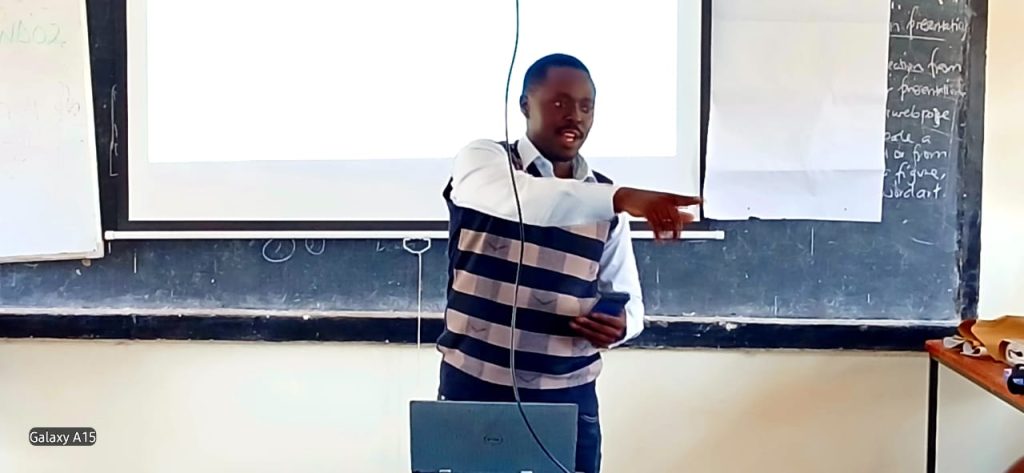
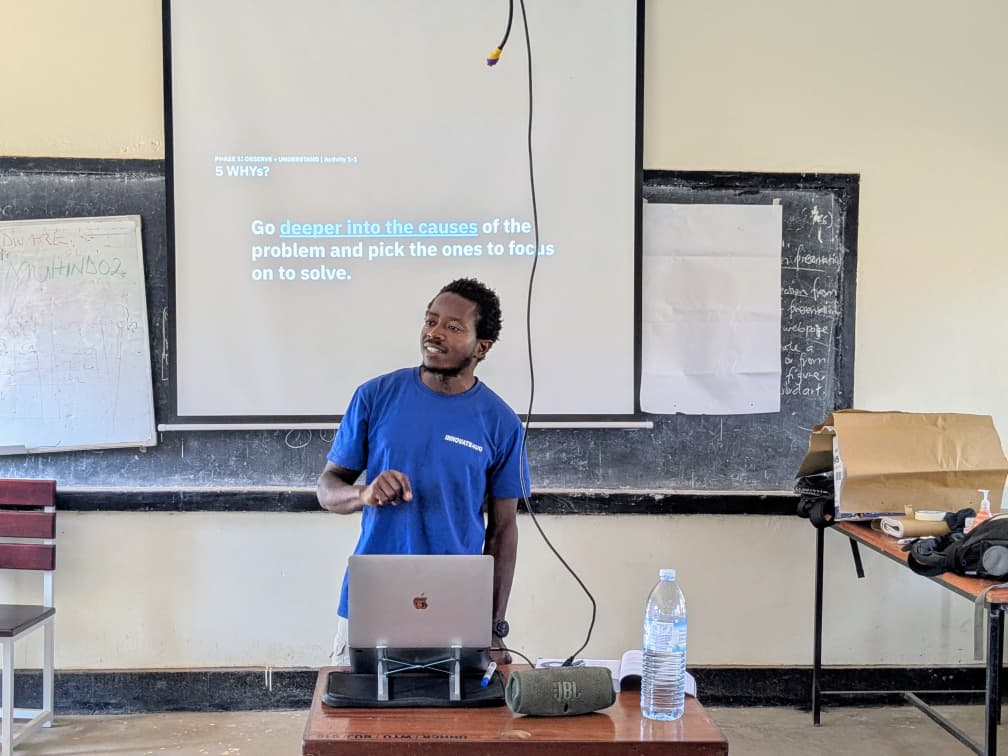
The bootcamp was designed around the UPSHIFT innovation methodology, a practical approach that helps young people move from understanding community challenges to designing, testing, and presenting solutions. As a UNICEF Digital Skills Master Trainer, I worked alongside Comrade Blanchard Sibanza, UNICEF iUPSHIFT Trainer, to facilitate, mentor, and guide the learners throughout the innovation journey.
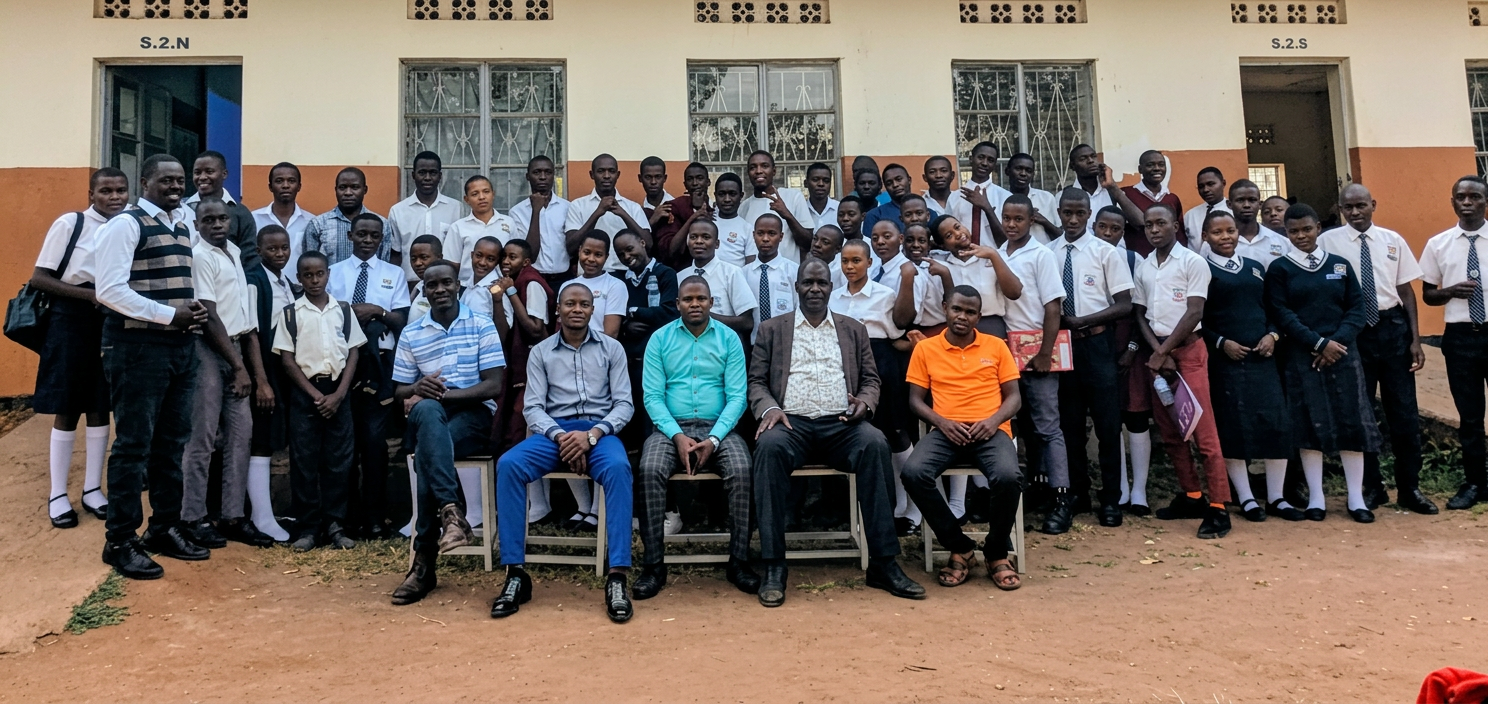
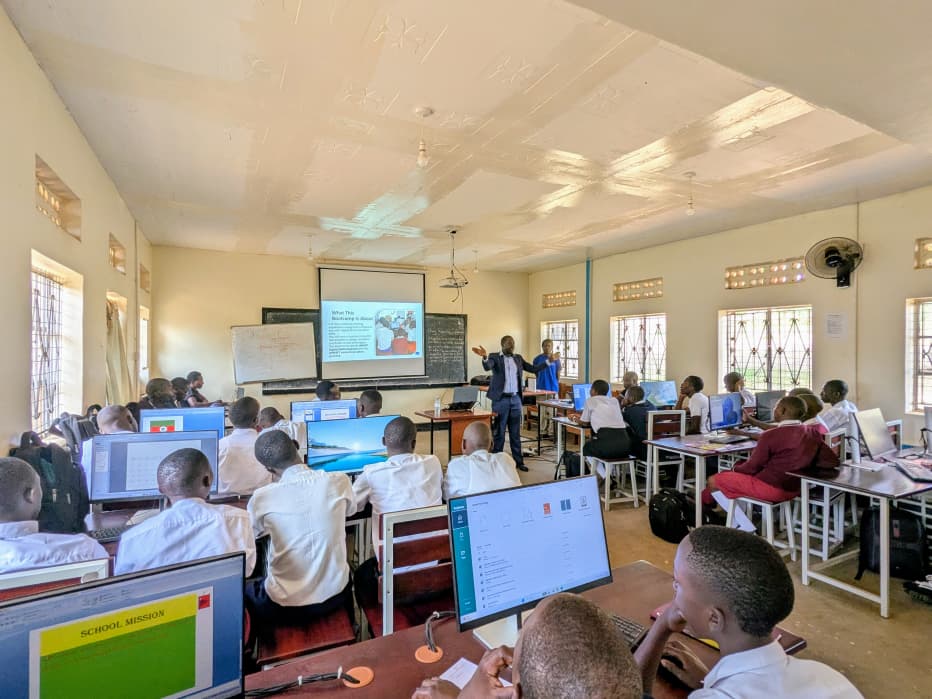
While my colleague guided participants through the UPSHIFT methodology, my role was to support the digital innovators in applying digital skills at every stage of the process. I also mentored them as they developed prototypes, prepared digital presentations, and refined their solutions for pitching at the end of the bootcamp.
Understanding the Problem Before Creating Solutions
The first day of the bootcamp focused on helping participants understand that good innovation begins with a clear understanding of the problem. After arrival, registration, welcome remarks, and an introduction to the bootcamp objectives, the learners reflected on the digital skills training they had undertaken earlier in their schools. They then began exploring community problems and why it is important to understand the causes and effects of a problem before proposing a solution.
In their teams, participants brainstormed different problems affecting their communities. They used Microsoft PowerPoint to list and organize these problems before selecting specific challenges for deeper analysis. The teams then developed problem trees, identifying the root causes, core problems, and effects of the issues they wanted to address./
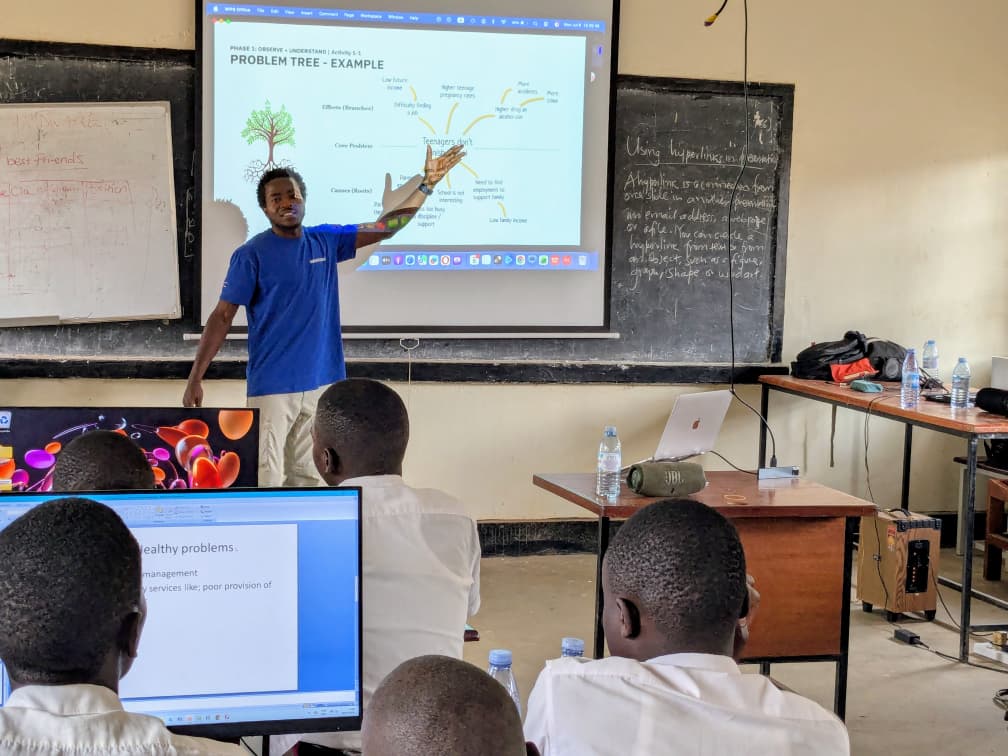
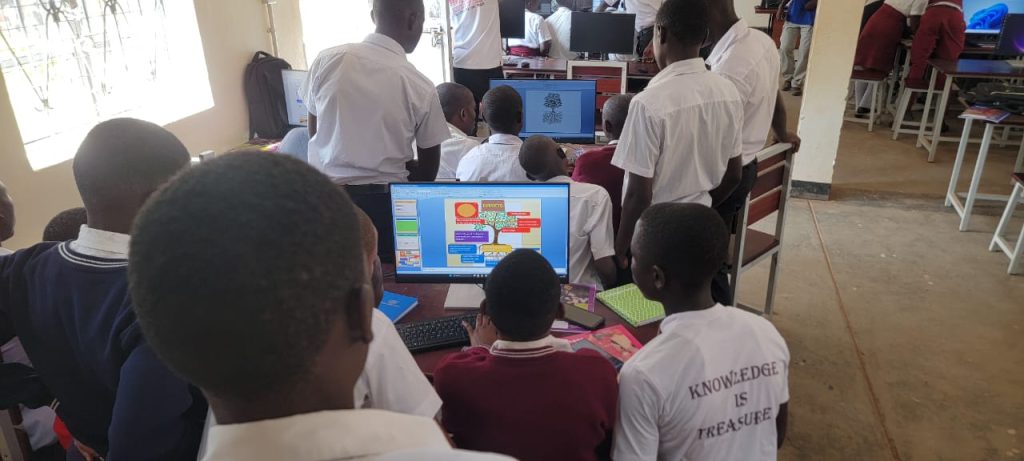
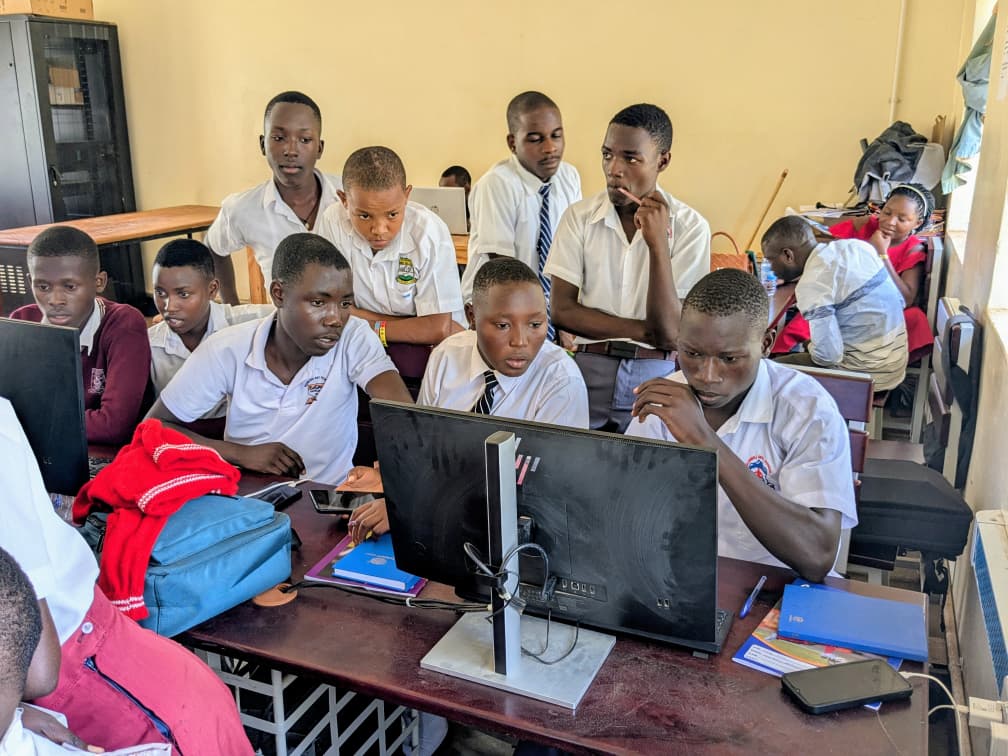
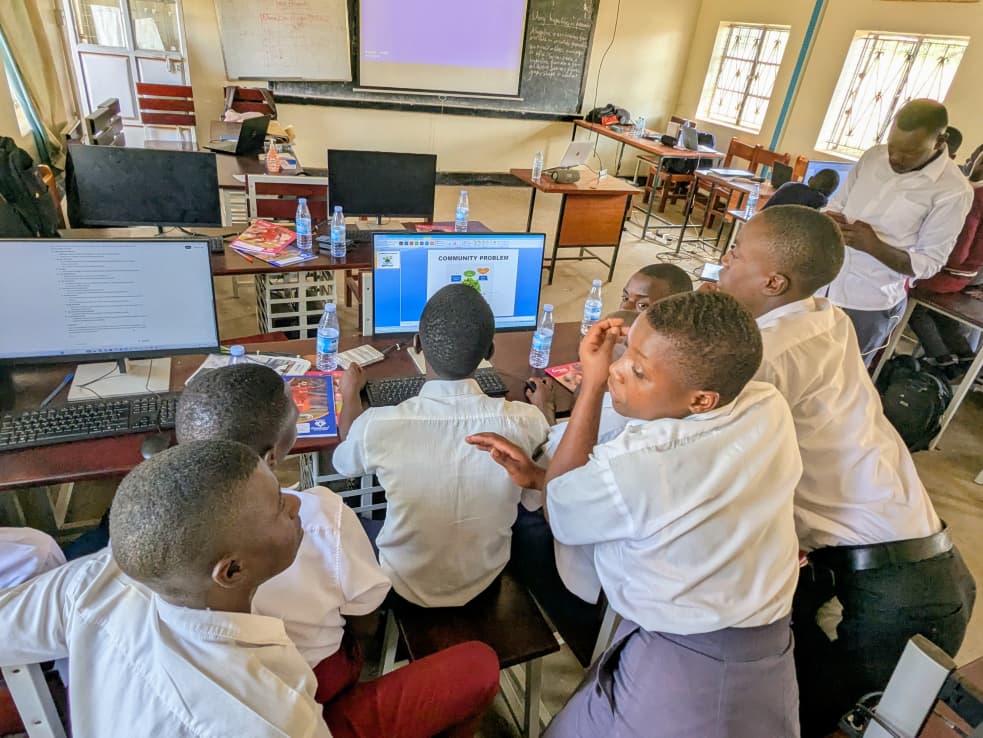
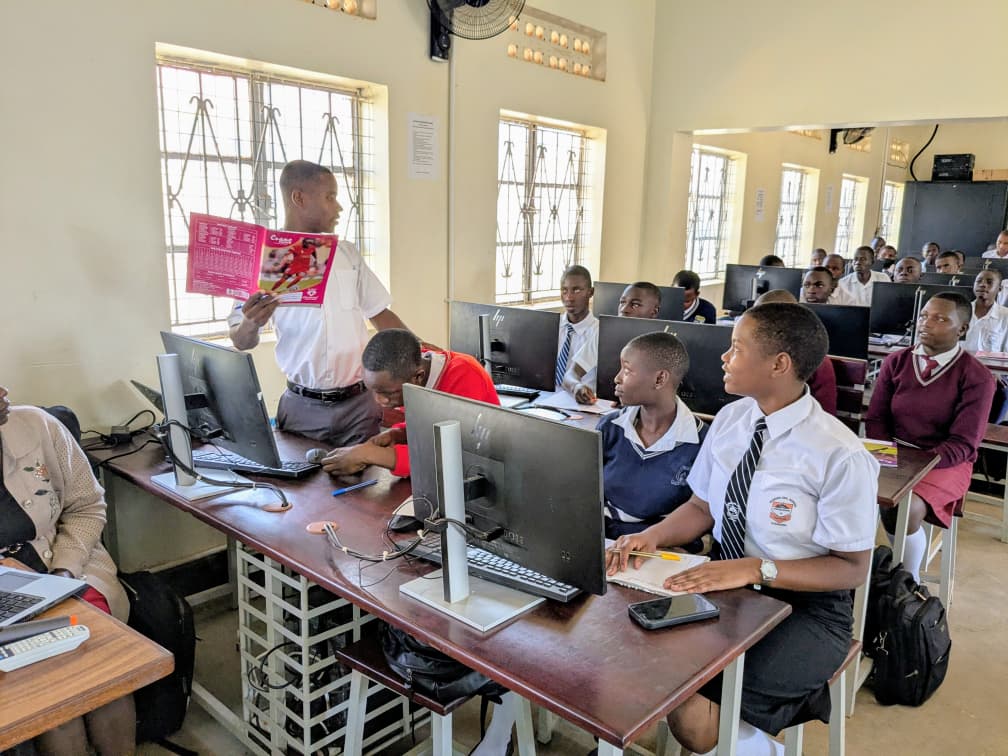
This stage was important because it helped learners move away from guesswork. Instead of simply saying, “We want to solve this problem,” they were guided to ask deeper questions: What causes this problem? Who is affected? What happens if the problem is not solved? What evidence do we have?
Mapping Stakeholders and Conducting User Research
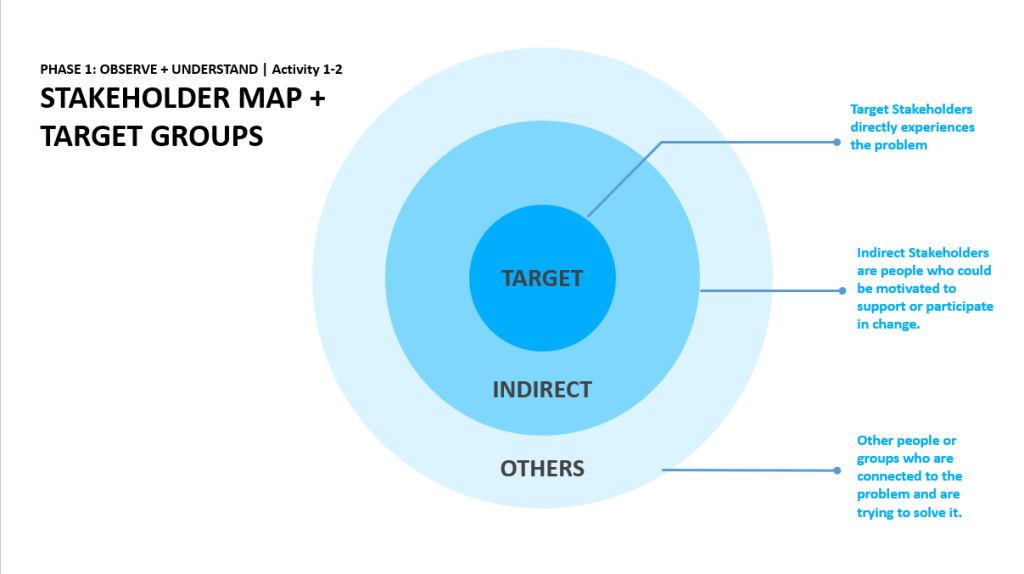
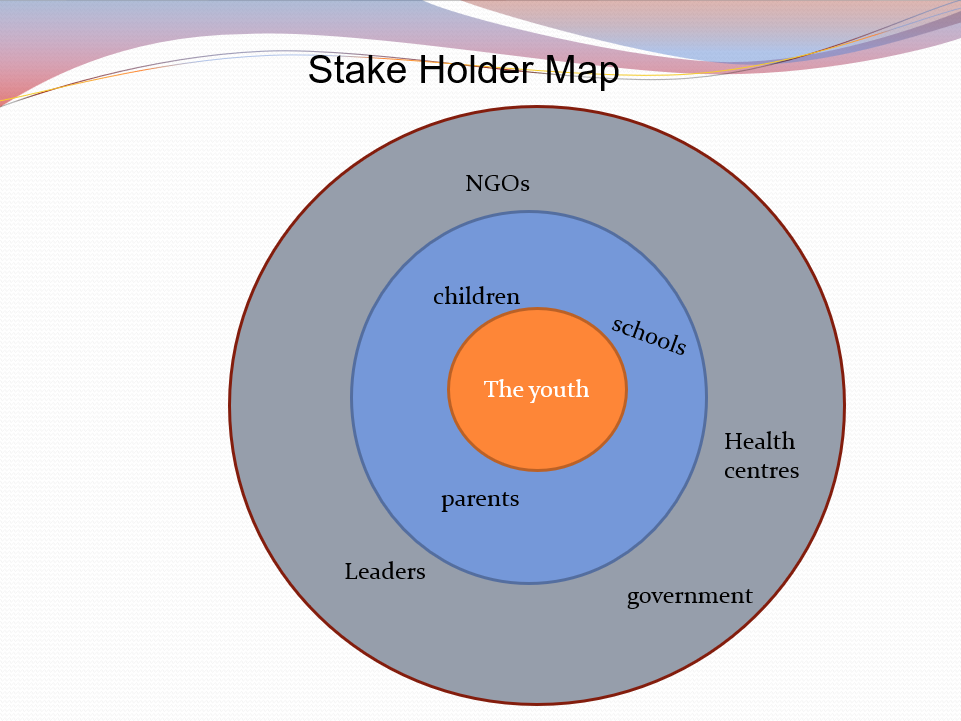
On the second day, the focus shifted to understanding the people involved in each problem. The learners developed stakeholder maps to identify the different individuals, groups, institutions, and community members connected to the problems they had selected. This helped them appreciate that community challenges are rarely isolated; they involve many people with different interests, experiences, and responsibilities.
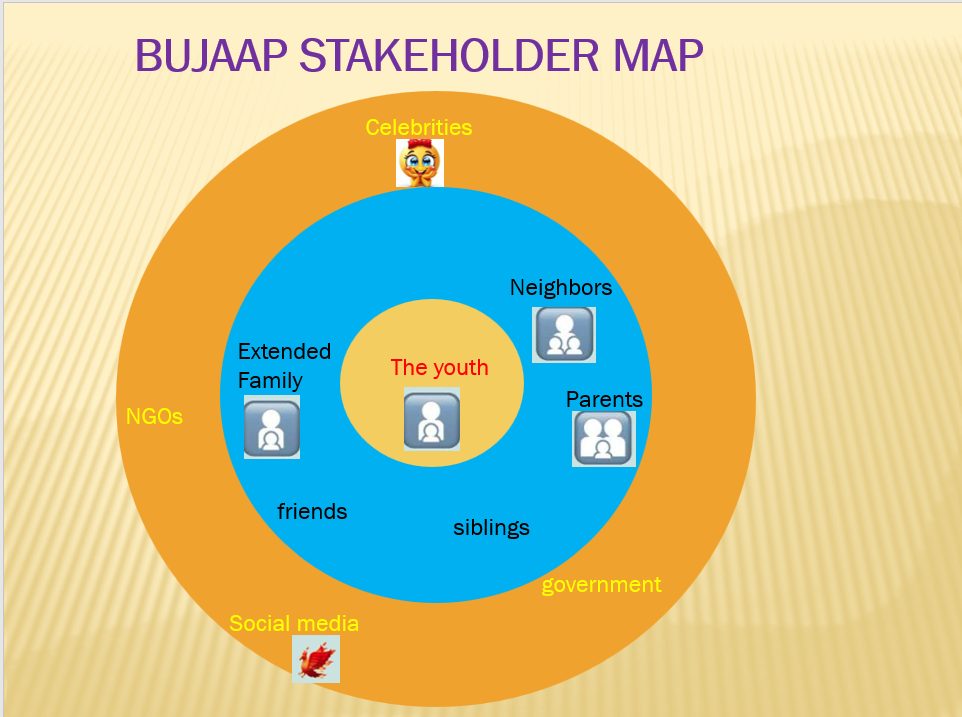
Frame 1: Has the Stake holder Map for Elite Squard Team. This team is inventing an App “BUJAAP” meant to solve information gap about different unemployement. The APP will feature different jobs, career corner and guidance on how to apply for any job
Frame 2: Has stakeholder map for Digital Innovators team. This team is inventing a website “WASTE APP” which will feature information on how to properly dispose waste in theri community
Participants were then introduced to user research. They explored different ways of collecting information, including interviews, observations, simulations, and internet-based research. Digital tools such as Google Forms, Microsoft Forms, smartphones, cameras, Google Meet, and digital note-taking apps were introduced as part of the research process.
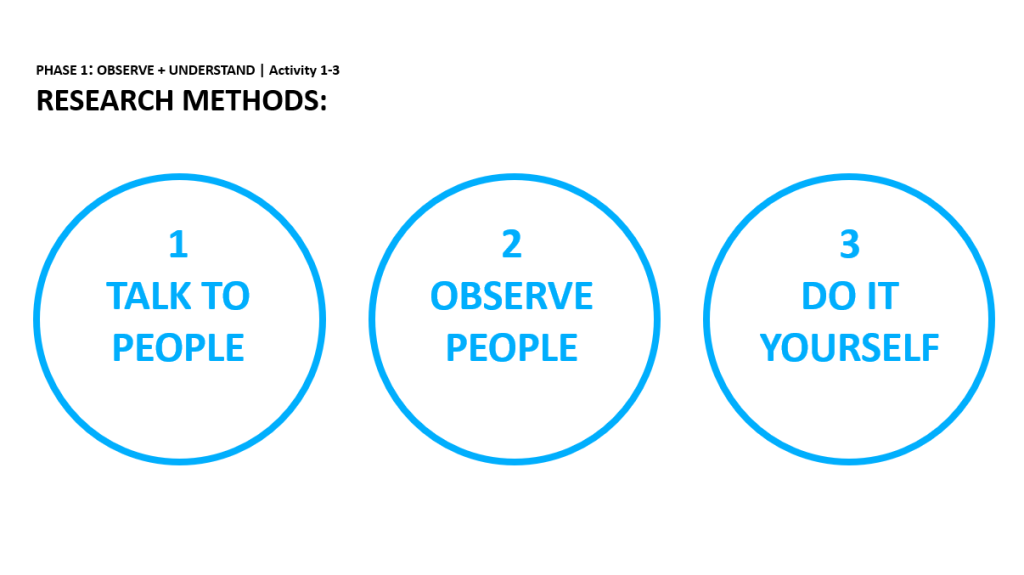
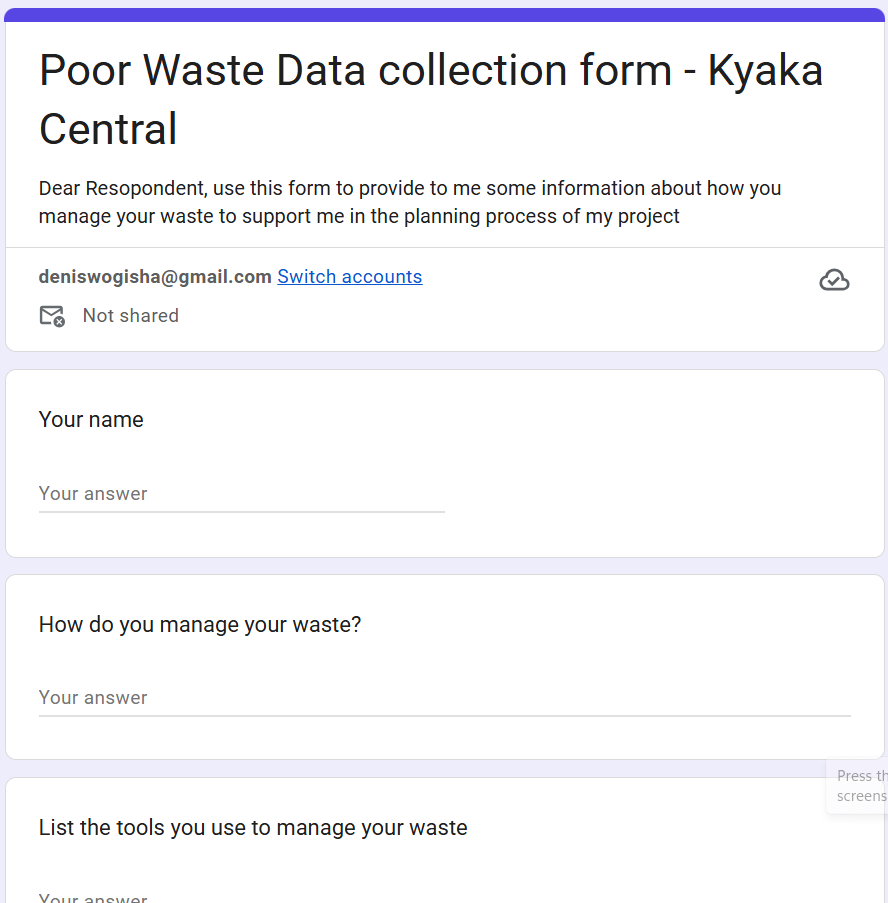
Here are some for the forms participants created to aid them during the data collection:
https://docs.google.com/forms/d/e/1FAIpQLSdLbe_I8hdRUgl60FzO21cLZIyv3yNKy0fIlVP9_GJ99DgilQ/viewform?usp=header
This was one of the most practical stages of the bootcamp. The learners began to understand that innovation should not be built only from personal opinion. It must be informed by the real experiences of the people affected by the problem.
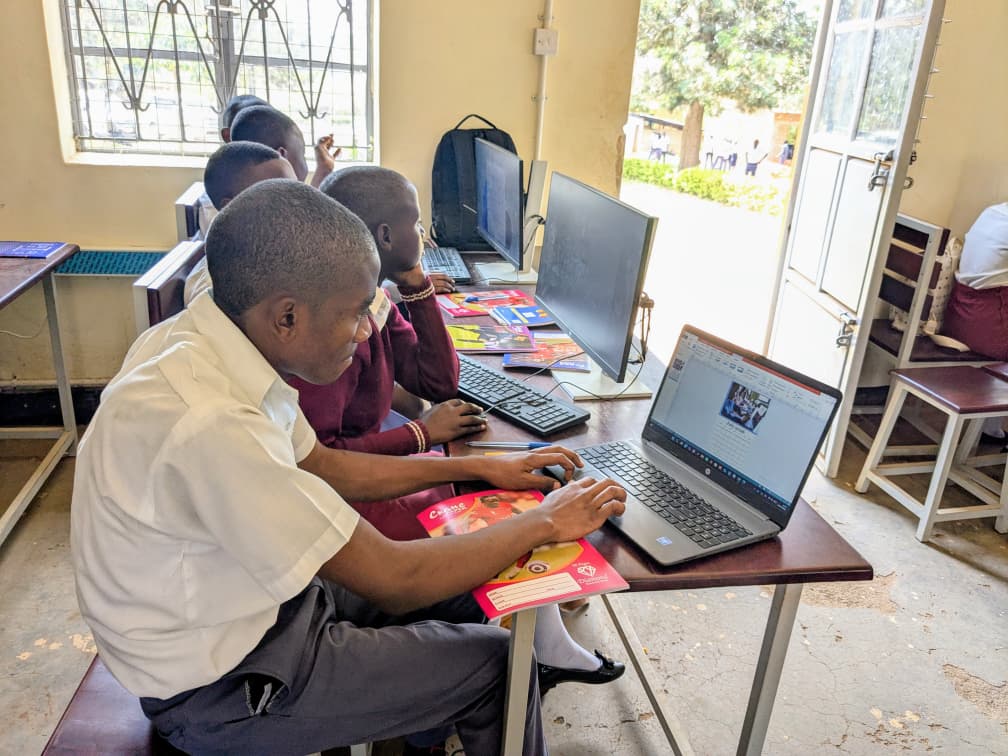
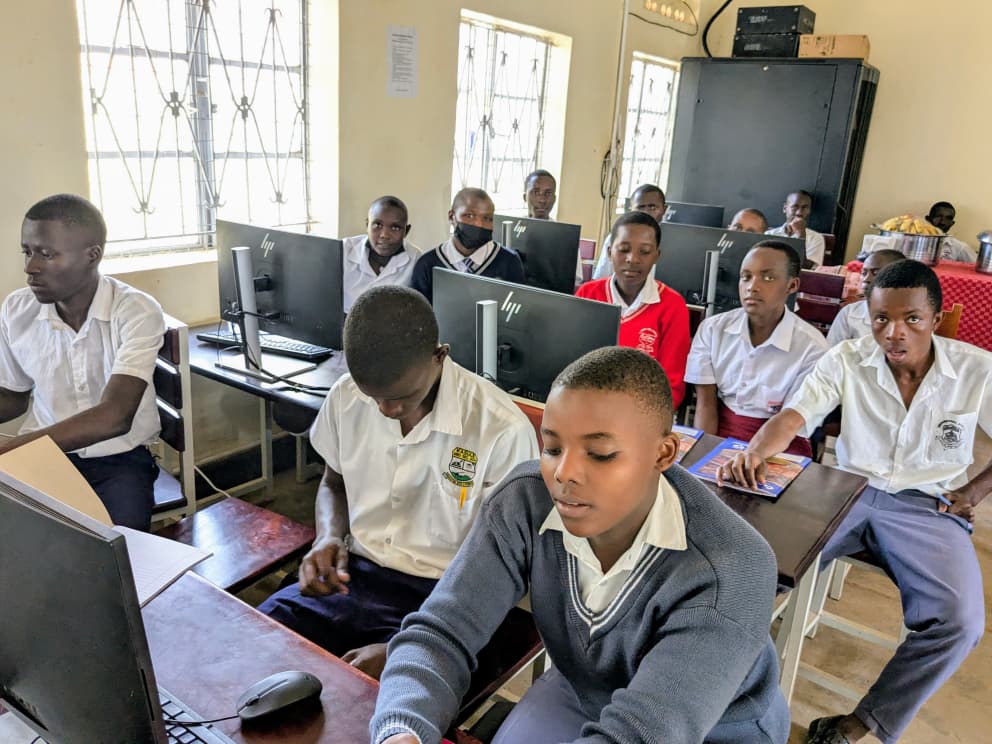
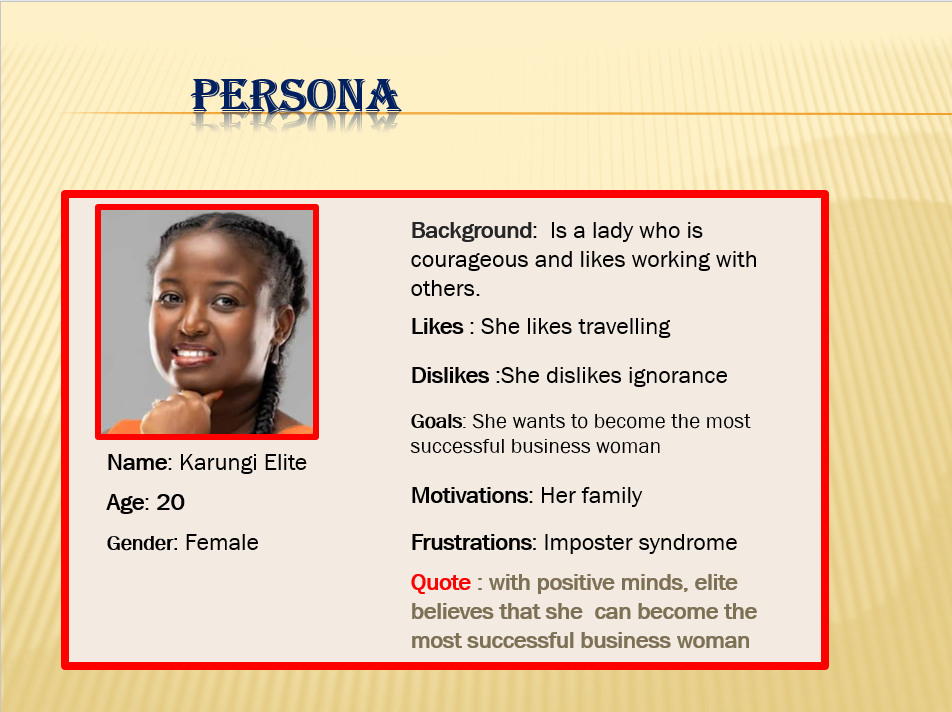
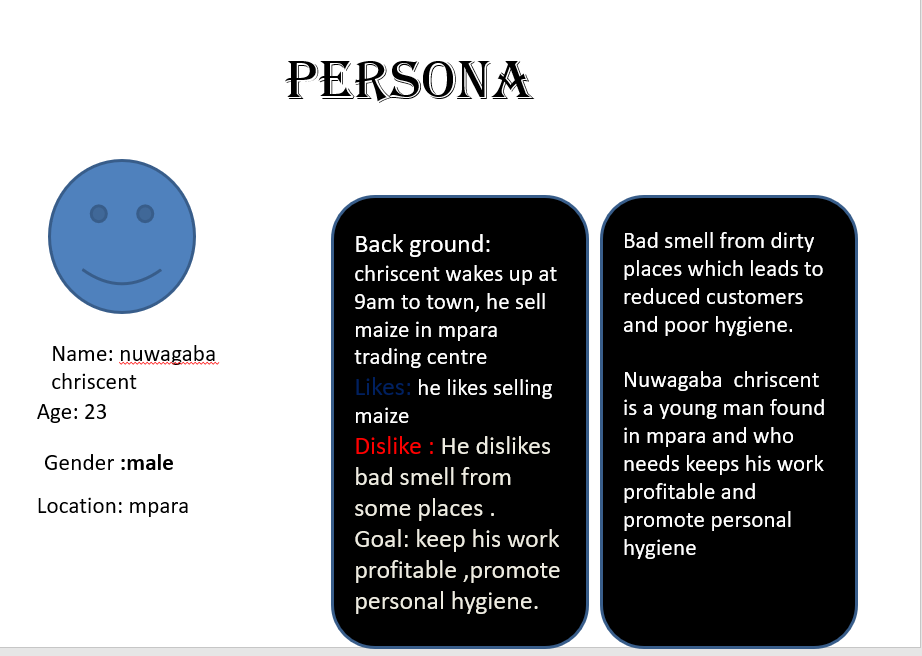
Later, the teams created user personas using tools such as Canva. These personas included details such as the user’s name, age, background, motivations, frustrations, and goals. This helped learners humanize the problems they were solving and design solutions with real users in mind.
Here are some of the personas created by the participants in different teams..
Turning Problems into Innovation Challenges
By the third day, the learners had moved from problem identification to solution thinking. They were introduced to “How Might We” challenge statements, a powerful tool used to turn problems into opportunities for innovation.
For example, instead of simply saying, “Students lack access to information,” a team could frame the challenge as, “How might we help students access useful learning information using available digital tools?” This approach encouraged creativity and opened up different possible solution pathways.
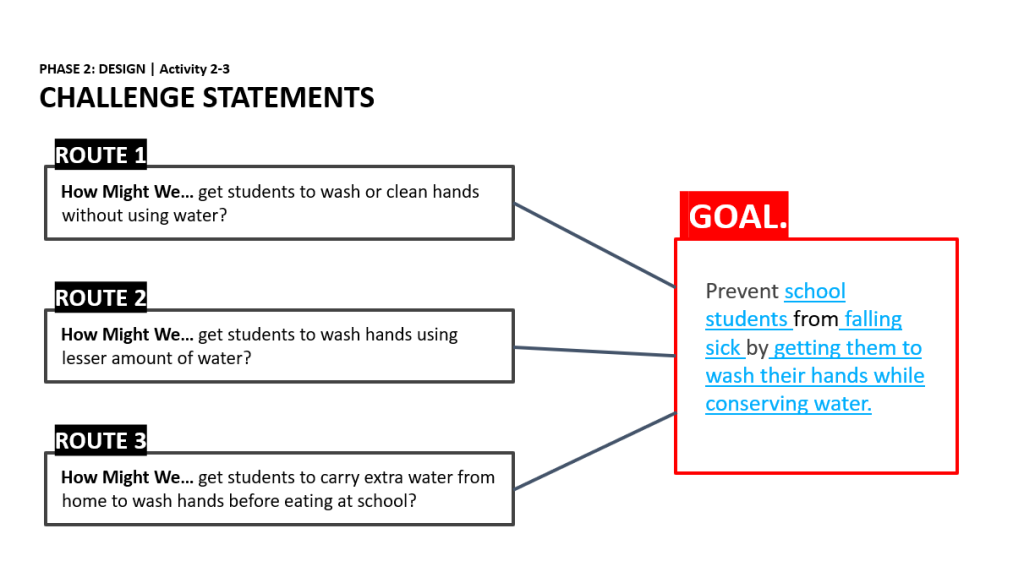
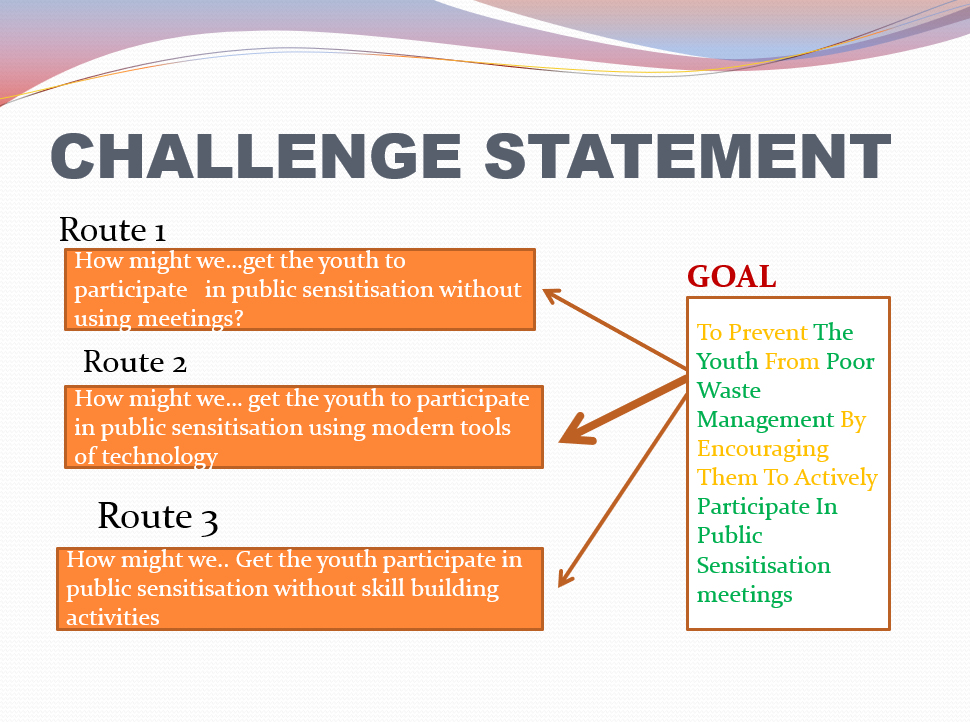
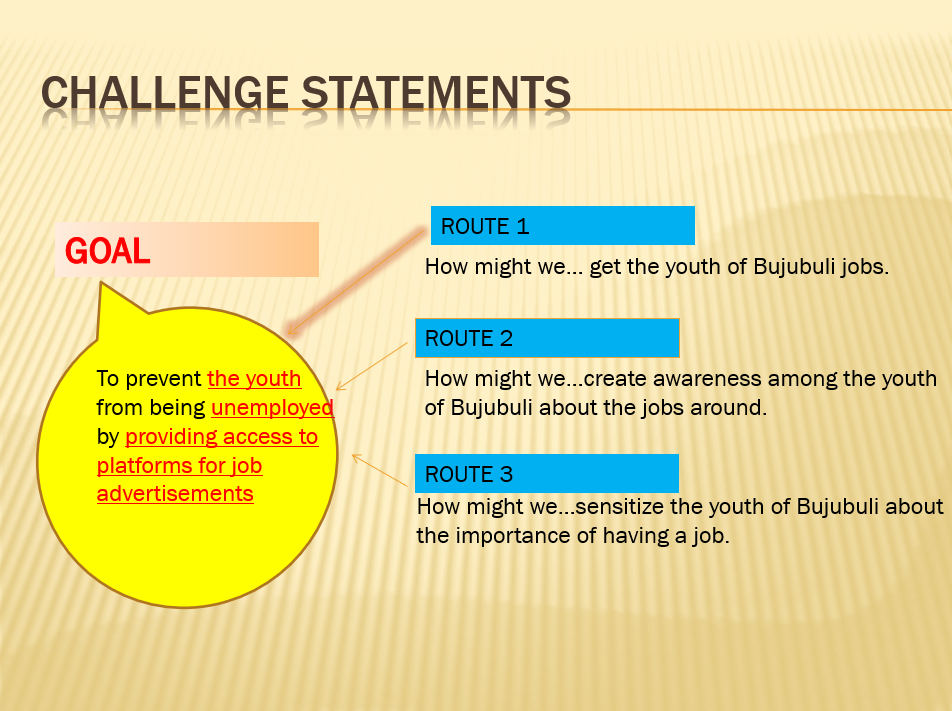
The learners then participated in brainstorming and ideation sessions. They used AI tools and Microsoft PowerPoint to generate and organize ideas. Each team was encouraged to think widely before selecting the most realistic, useful, and impactful solution.
After ideation, the teams developed solution summaries. They used digital creativity tools such as Canva, Microsoft Paint, and Microsoft Word to sketch, describe, and structure their proposed solutions. These summaries included what the solution was, the activities involved, the tools required, the intended users, and where the solution would be used.
From Ideas to Prototypes
One of the most exciting parts of the bootcamp was the transition from ideas to prototypes. The participants were guided to ask themselves: How do we build our solution? What should it look like? How will people use it? What resources are needed?
On Day 3 and Day 4, teams began rapid prototyping using tools such as Canva and Figma. They created storyboards, paper prototypes, sketches, and sample digital designs for their selected solutions.
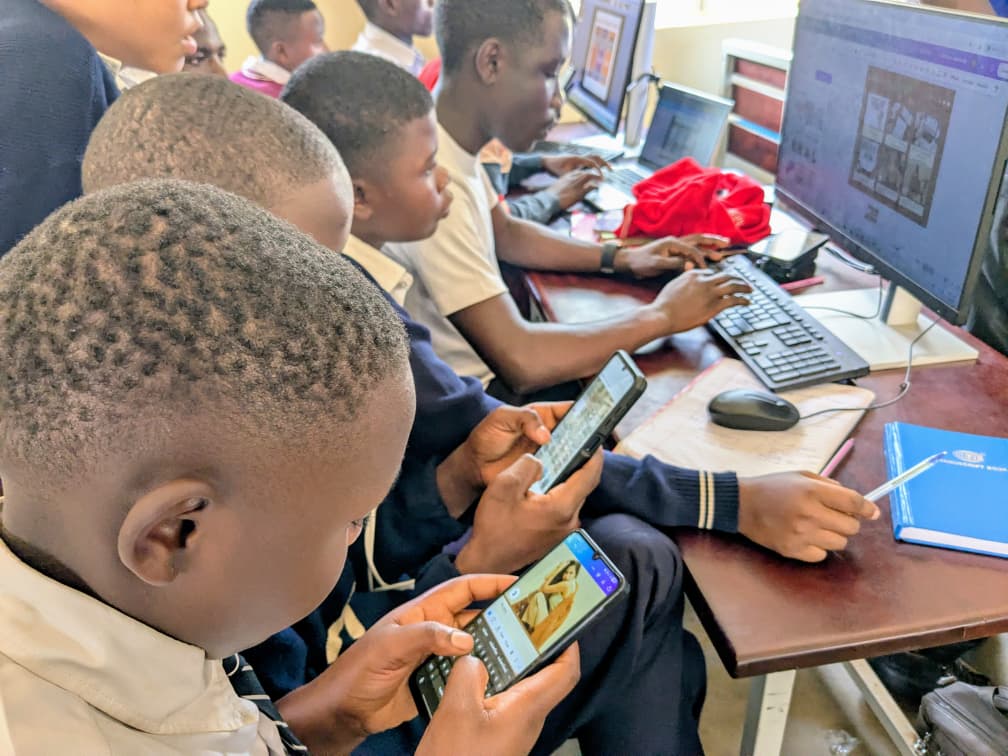
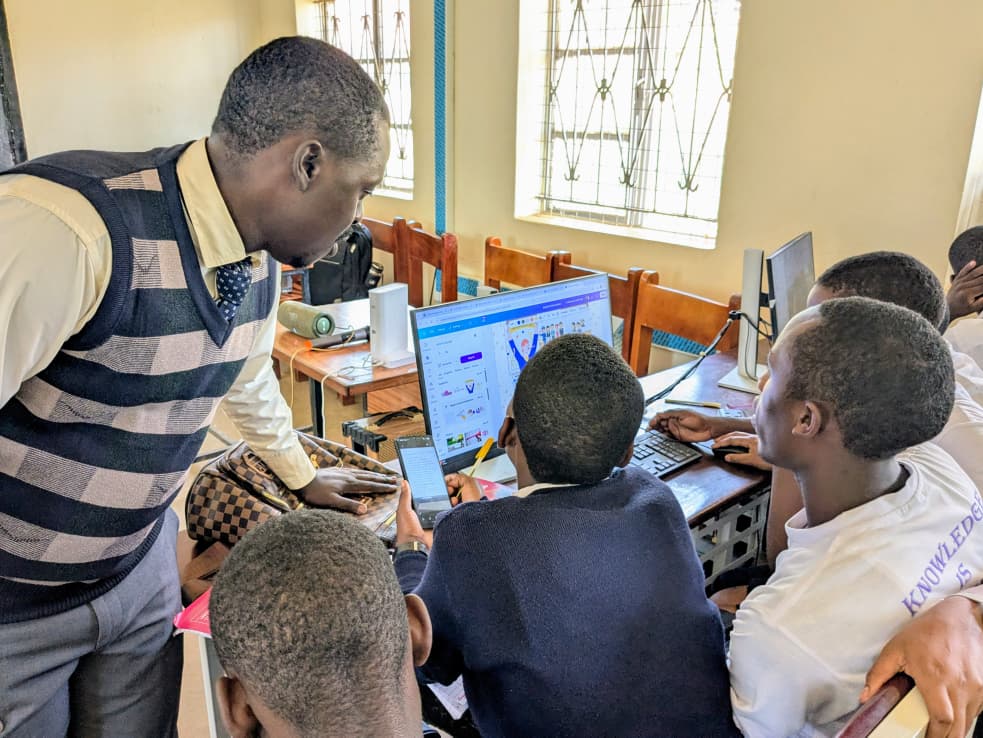
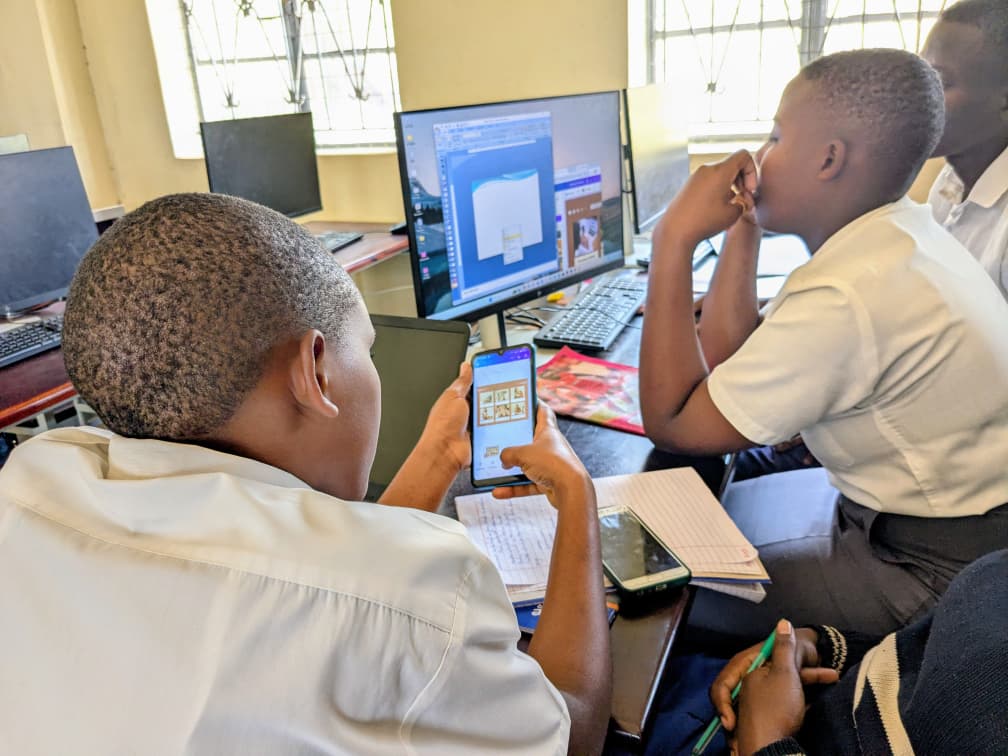
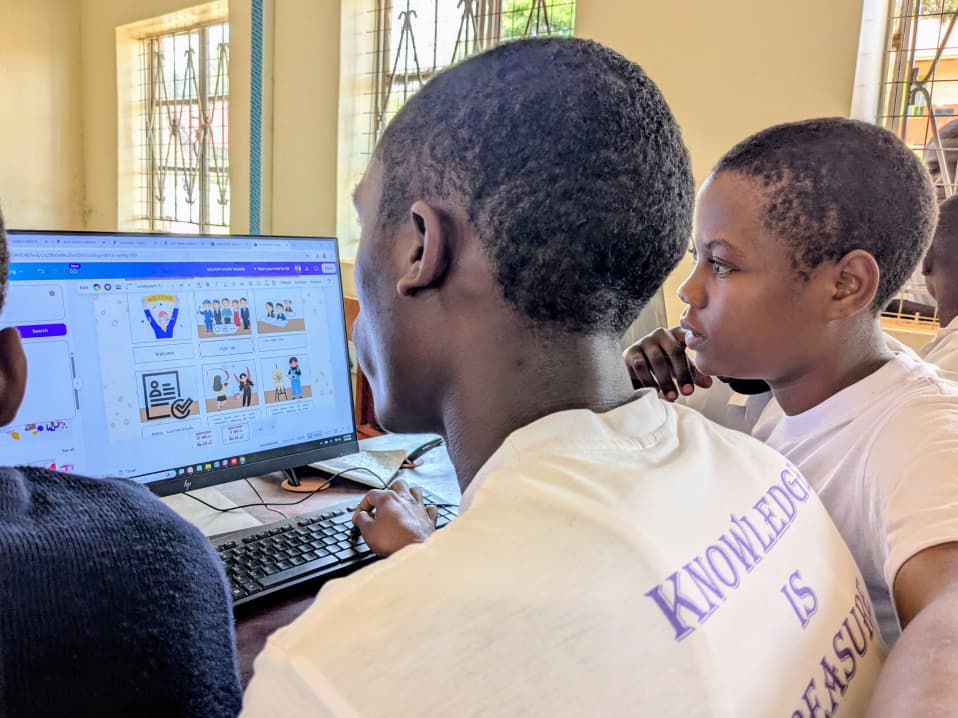
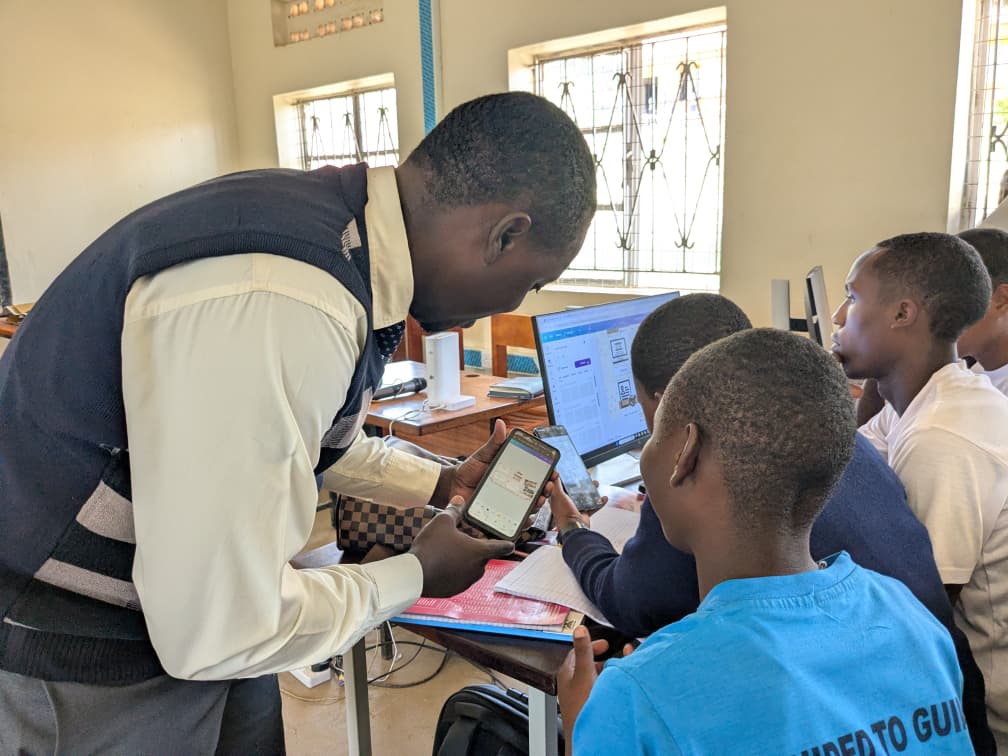
This stage allowed the learners to see that innovation does not always begin with a perfect final product. Sometimes, it begins with a simple sketch, a sample poster, a basic website layout, a presentation, or a draft model that can be improved over time.
As a Digital Skills Master Trainer, I supported the learners in applying the digital skills they had acquired earlier. I guided them on how to use different tools to present ideas clearly, organize information, design simple digital products, and prepare their prototypes for presentation.
Planning Resources and Preparing to Pitch
On Day 4, participants were introduced to resource planning and budgeting. They identified the resources needed to implement their solutions and used tools such as Microsoft Excel and Microsoft PowerPoint to prepare simple budgets and implementation plans.
This was important because the learners realized that a good idea must also be practical. They had to think about materials, people, costs, tools, time, and possible sources of support.
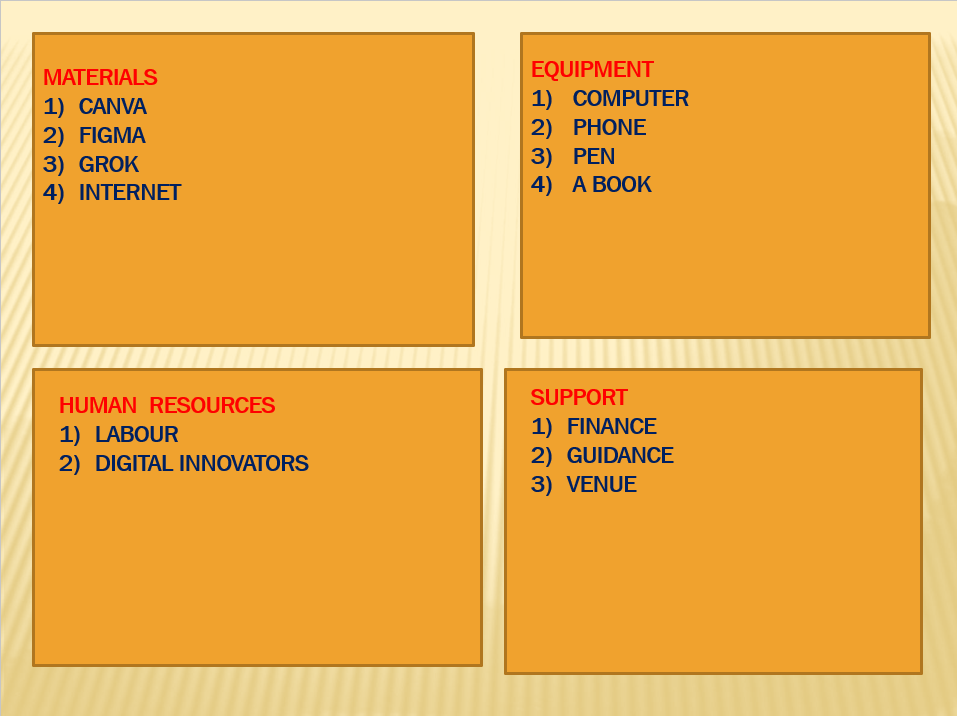
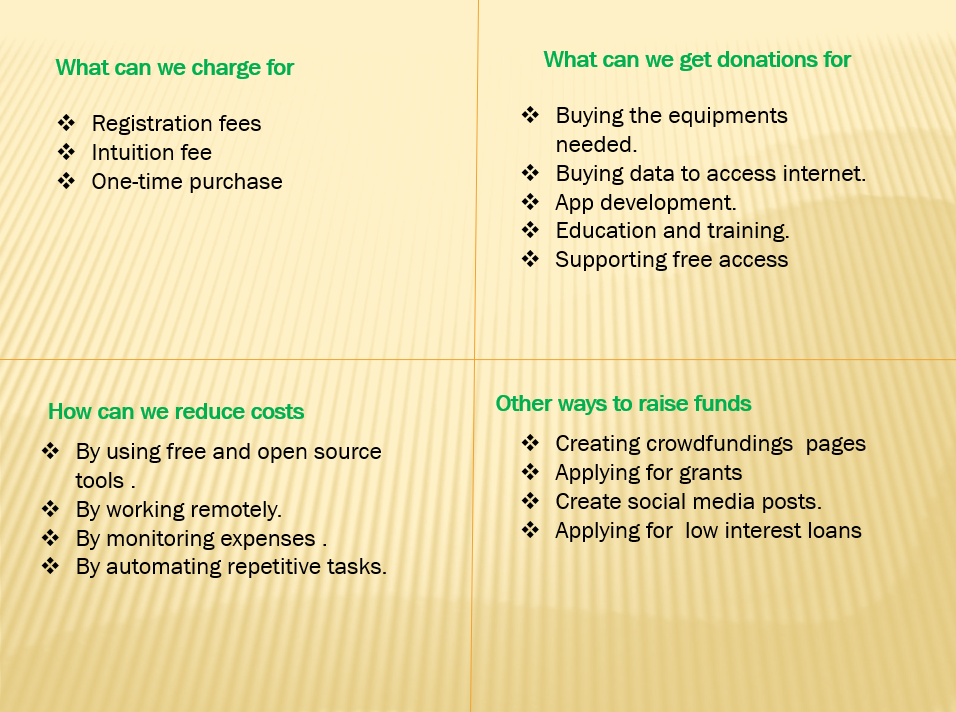
The teams also prepared pitch presentations using Microsoft PowerPoint and Canva. They learned how to communicate their ideas clearly by explaining the problem, the target users, the proposed solution, the prototype, the resources needed, and the expected impact.
Strengthening Digital Campaign and Communication Skills
Beyond prototyping, the bootcamp also introduced participants to advanced digital knowledge-sharing sessions. They explored how to create and use videos for digital campaigns using tools such as cameras, CapCut, and YouTube. They also learned how to create flyers and infographics using Canva and PosterMyWall.
These sessions were very useful because the learners were not only creating solutions; they were also learning how to communicate those solutions to others. In today’s digital world, an idea becomes more powerful when it can be shared clearly, visually, and creatively.
On the final day, participants explored how websites can be used to deliver, promote, or sell products and services. They were introduced to WordPress as a tool for creating websites and presenting solutions online.
Final Pitches and Presentation of Solutions
By the end of the five-day bootcamp, each team had gone through a full innovation journey. They had identified a community problem, analyzed its causes and effects, mapped stakeholders, conducted user research, created user personas, developed challenge statements, brainstormed ideas, selected a solution, built a prototype, planned resources, and prepared a pitch.
During the final session, teams presented their solutions and products. Each team shared its problem statement, prototype, sample solution, and the steps taken during the innovation process. The pitch session demonstrated the creativity, confidence, and problem-solving ability of the young digital champions.
The closing ceremony included speeches from the host headteacher, program coordinator, special guests, and guests of honor, followed by the issuing of certificates, group photos, sign-out, and departure.
My Reflection as a Digital Skills Master Trainer
Supporting this bootcamp was a deeply fulfilling experience. I saw learners who had previously acquired digital skills begin to understand how those skills can be used beyond the classroom.
They were not simply learning how to use computers, smartphones, forms, presentations, design tools, or websites. They were learning how to use digital tools to think, research, design, communicate, and solve problems.
The bootcamp showed that when young people are given the right guidance, tools, and mentorship, they can become powerful innovators in their own communities. The students demonstrated teamwork, creativity, confidence, and a strong desire to contribute to positive change.
Working together with Comrade Blanchard Sibanda, who guided the participants through the UPSHIFT methodology, we were able to support the learners in connecting innovation thinking with practical digital skills. This combination helped the participants produce meaningful prototypes and solution ideas that responded to real community needs.
Why This Matters
The UNICEF Digital Innovation Bootcamp in Kyegegwa District was more than a training activity. It was a platform for empowering young people to see themselves as problem-solvers, innovators, and change agents.
The experience confirmed that digital skills become more valuable when they are connected to real-life challenges. When learners use technology to understand problems, collect information, design solutions, and communicate ideas, they begin to see technology as a tool for community transformation.
The 10 Digital Champions from Bujubuli Secondary School, Humura Secondary School, Kakabara Secondary School, Kasule Secondary School, and Mpara Secondary School left the bootcamp with more than certificates. They left with confidence, practical innovation experience, and prototypes that can be improved and implemented in their schools and communities.
Conclusion
The five-day UNICEF Digital Innovation Bootcamp at Bujubuli Secondary School demonstrated the power of combining digital skills with the UPSHIFT methodology. Through teamwork, research, creativity, prototyping, and pitching, learners were able to turn community problems into possible solutions.
As a facilitator and mentor, I was inspired by the commitment, discipline, and creativity of the participants. Their work showed that young people, when properly supported, can use digital innovation to address real problems and contribute to meaningful change in their communities.
The journey does not end with the bootcamp. The next important step is to continue mentoring these young innovators as they refine, test, and implement their prototypes in their schools and communities.

(10) Comments
thank you for your good job you did for us to improve on digital skills and how to become problem solvers.
Good job you did man owangere
Thanks sir for the work done and will be missing you and the mistake we did we never created a WhatsApp group I would like if your having all numbers of ours you can create one. Thank you so much
We thank you Sir for the great job . The training improved us and we have now authority to create our own school website as Kakabara SS students we really appreciate
The boot camp at bujubuli was useful and I believe it has change me in terms of digital skills and it is time I got started
The bootcamp was nice and interesting and I also thank u for the combined efforts to train is and I also request you to help me know more about what we studied. Thank u.
The boot camp at bujubuli was useful and I believe it has change me in terms of digital skills and it is time I got started
The bootcamp was so interesting
The bootcamp was nice and interesting and I also thank u for the combined efforts to train is and I also request you to help me know more about what we studied. Thank u.
Wow,the session was extremely educative ,how I pray to have chance of attending such sessions